

We’ve all been there: you need to share key insights or track deliverables with your team, but your data is buried under dense rows, columns, and formulas.
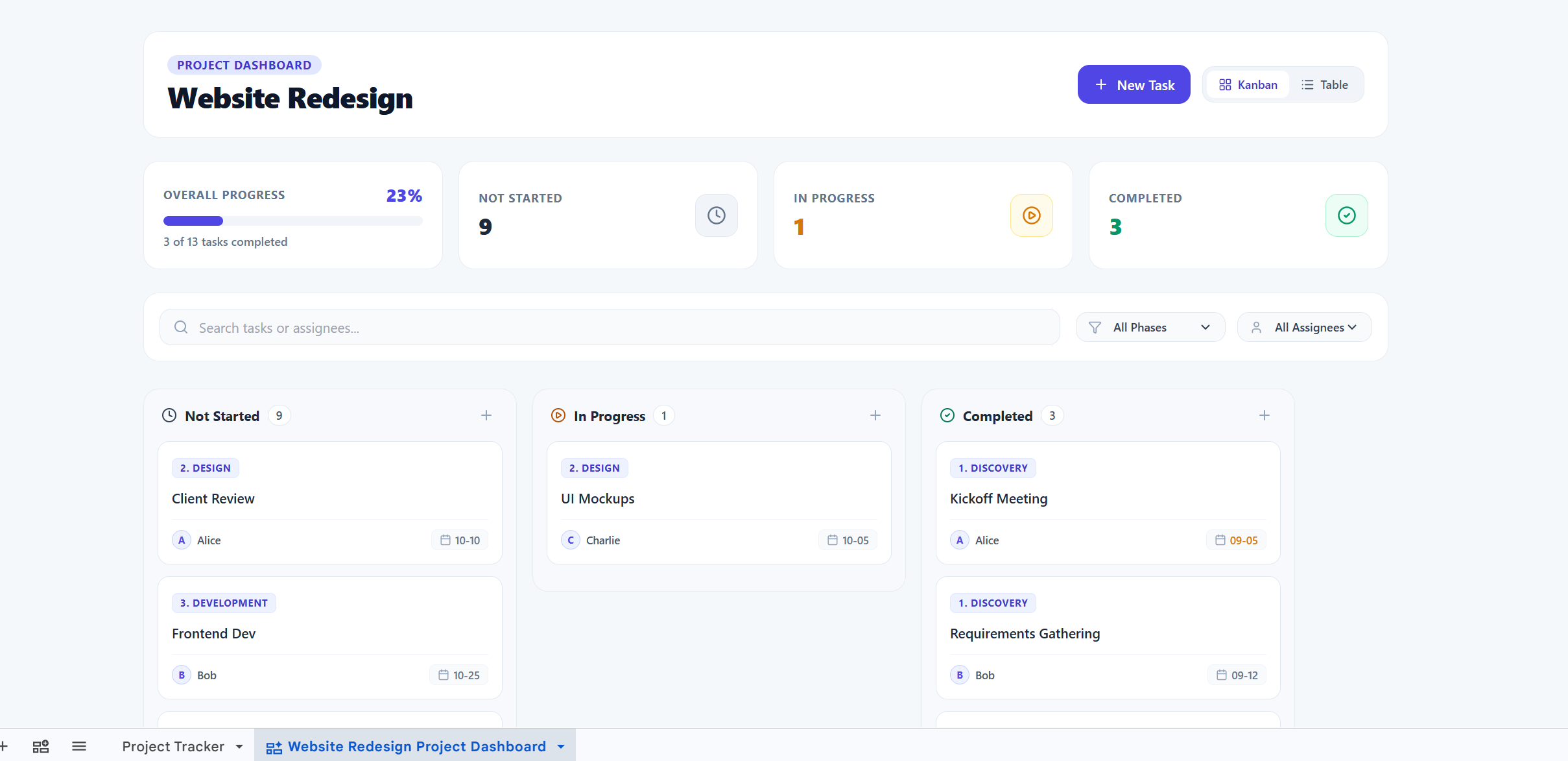
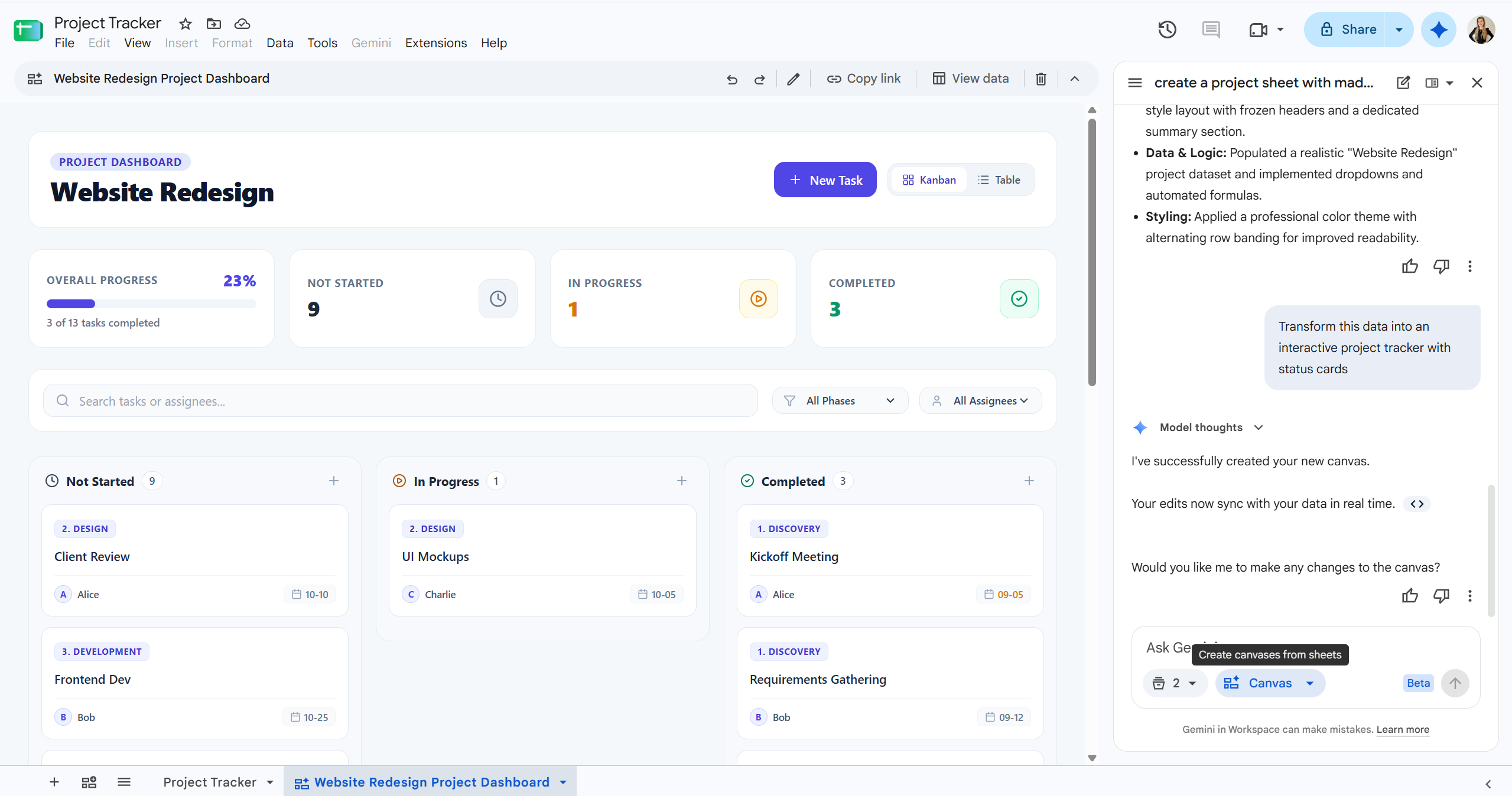
With the launch of Sheets canvas in Google Sheets, you can now transform flat data into dynamic, visual, and interactive mini-applications, all with simple text prompts powered by Gemini.
Whether you’re an operations lead managing logistics, a project manager tracking deliverables, or a financial analyst presenting budget drivers, Sheets canvas turns spreadsheet management into a clean, visual workspace.
No coding, complex macros, or third-party tools required. Simply describe what you want in plain language, and Gemini builds a custom interactive layout directly on top of your data.
Sheets canvas isn't just a static picture or a one-time chart, it’s an interactive layer.
Because it’s built directly inside Google Sheets, your Canvas inherits all existing sharing and access permissions. You can collaborate with your teammates in real-time without managing new accounts or external tools.
Want to learn more tips for getting the most out of Google Workspace? Keep an eye on our newsletter for monthly updates, or reach out to our team if you have questions about using Gemini in your daily workflow.


