

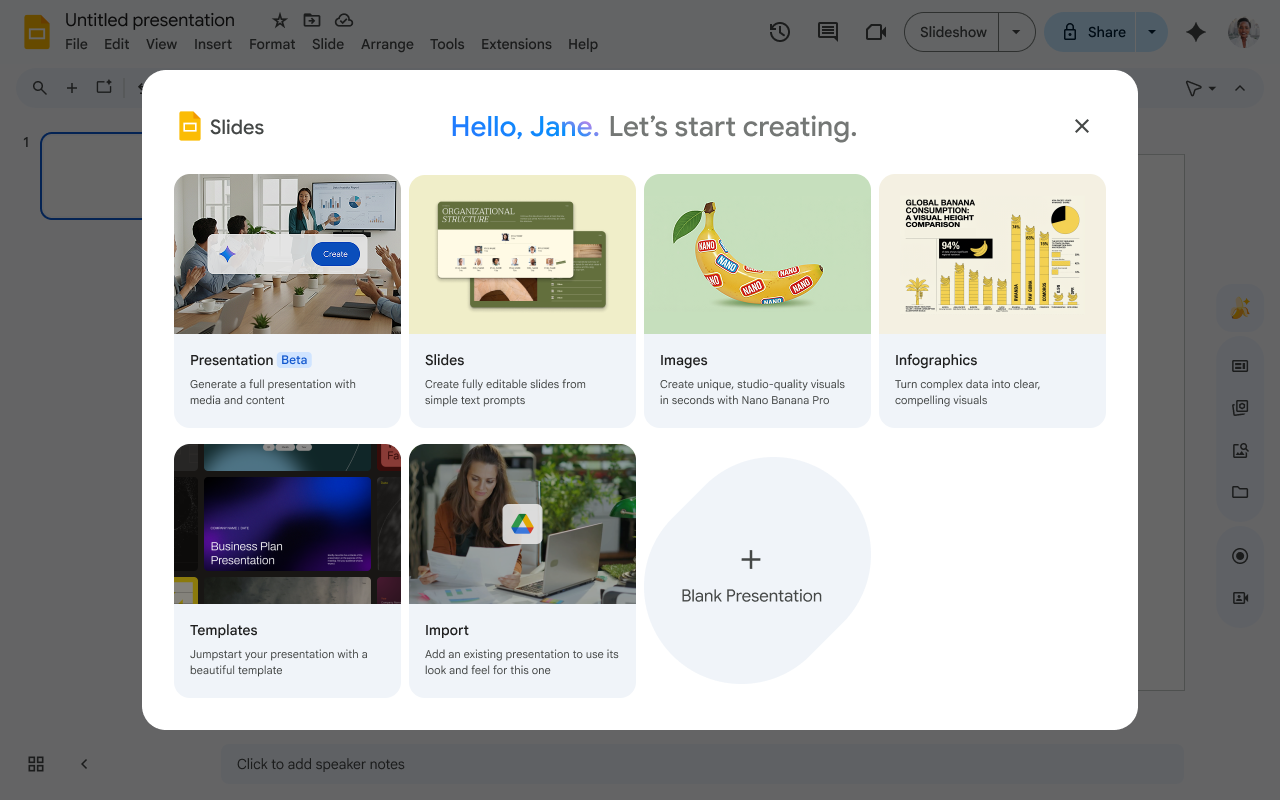
If you've ever stared at a blank Google Slide wishing the presentation would just write itself, your wish has officially been granted. Google Workspace has just rolled out a powerful new feature for Google Slides: the ability to generate complete, multi-slide presentations using Gemini.
Gone are the days of manually copying and pasting information from your notes or painstakingly trying to match a specific corporate template. With a single prompt, Gemini can now build a fully native and editable presentation that is grounded in your actual work.
Here is everything you need to know about this game-changing update.
Accessible directly from the Gemini side panel in Google Slides, the new feature acts as a collaborative partner to help you build out comprehensive slide decks in a fraction of the time. Because the resulting slides are completely native and editable, you retain full control over the final product, allowing you to tweak text, layout, and design exactly to your liking.
To help you create relevant and compelling decks, Gemini leverages several powerful capabilities:
This highly anticipated feature began its extended rollout on June 29, 2026 (note that it may take longer than 15 days for the feature to become visible to everyone). At launch, the generation feature is supported in English only.
Who has access?The feature is rolling out to the following Google Workspace tiers and add-ons:
Special Promotional Access: To encourage users to test out and experiment with this new workflow, Google is offering a promotional period through at least August 1, 2026. During this time, Workspace customers will enjoy higher limits for creating multi-slide presentations using Gemini. Users will see a notification detailing this limited higher promotional access period. After August 1st, standard per-user usage limits will go into effect.
Whether you're pitching a new idea, summarizing a quarterly report, or delivering a keynote, Gemini in Google Slides is ready to help you turn your thoughts and Drive files into a polished deck in record time. Next time you open up Slides, look for the Gemini side panel, enter your prompt, and watch your presentation come to life!


