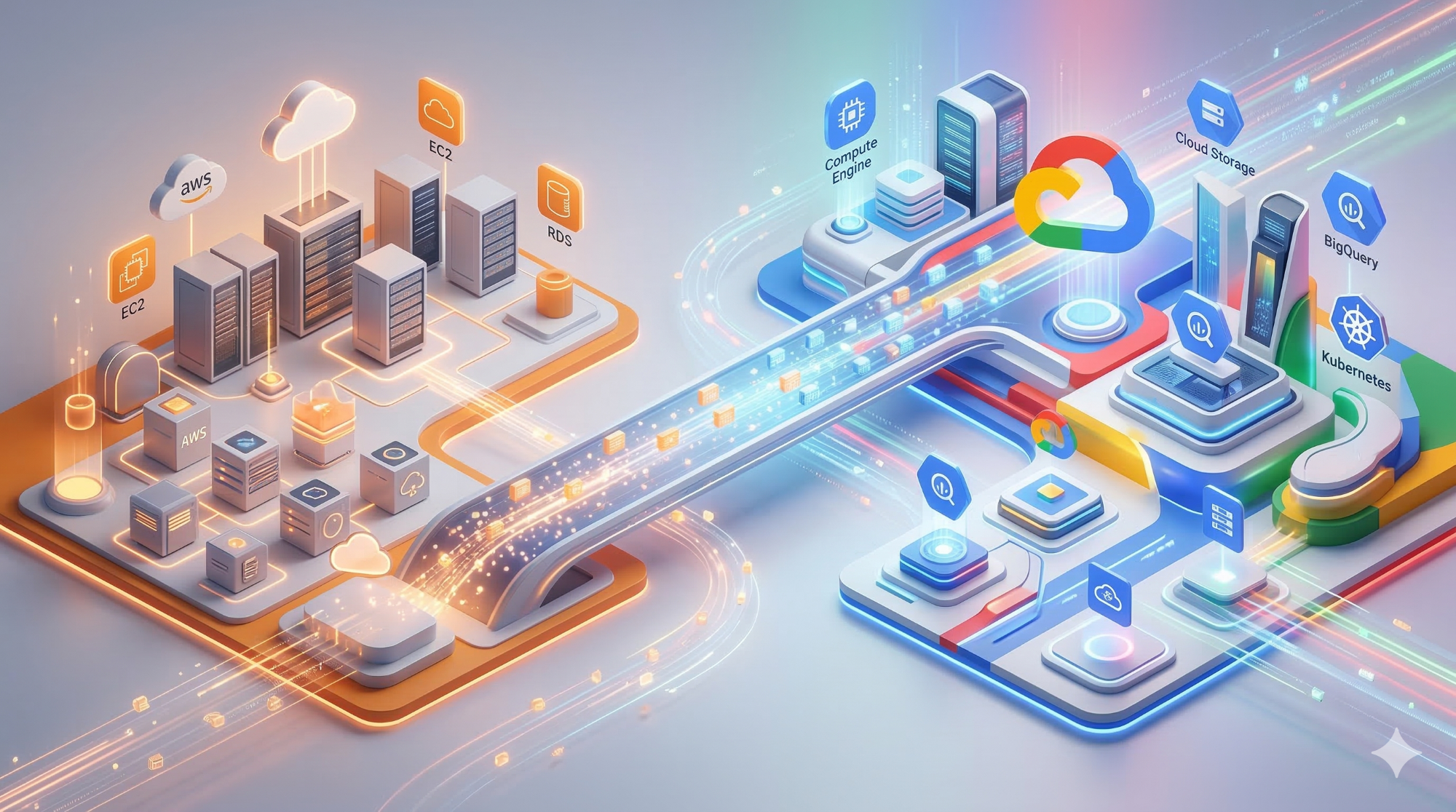
AWS to Google Cloud Migration: Mastering the Cloud-to-Cloud Transition
Technical TL;DR
- Infrastructure Parity: Map AWS-specific services (EC2, S3, RDS) to GCP equivalents (Compute Engine, Cloud Storage, Cloud SQL) with minimal refactoring using Google’s Migration Center for automated discovery and rightsizing.
- Data Velocity: Move from AWS S3 to Google Cloud Storage using the Storage Transfer Service (STS) to minimize egress overhead and automate event-driven synchronization.
- Security Mapping: Transition from AWS IAM to Google Cloud IAM using a Resource Hierarchy (Organization > Folders > Projects) to enforce least-privilege access at scale.
The Migration Headache: Don't Let AWS Egress Fees Stall Your 2026 Roadmap
You’ve made the decision: it’s time for an AWS to GCP migration. But between the initial "Go" and the final cutover lies a minefield of hidden costs and architectural friction.
Moving data from AWS S3 to Google Cloud Storage or migrating high-traffic AWS EC2 instances isn't just about moving bits; it’s about managing the "speed of light" limitations of bandwidth and the punishing egress fees AWS charges the moment your data leaves their ecosystem. Without a strategic plan, your 2026 innovation budget can be swallowed by the migration process before you even launch your first GCP project.
Cloudasta specializes in navigating these "Cloud-to-Cloud" complexities. We ensure your migration from AWS to Google Cloud is a strategic leap forward, not a costly side-step.
The Challenge: Why AWS to Google Cloud Migration is Complex
Migrating from AWS to GCP (Google Cloud Platform) is more than a simple "lift and shift." Enterprises often struggle with unanticipated egress fees, mismatched IAM permissions, and the nuances of cloud-native networking.
While AWS and Google Cloud offer similar services, their underlying architectures differ. For instance, AWS uses account-based isolation, whereas Google Cloud utilizes a project-based structure under a centralized Organization resource. Failing to account for these differences can lead to "cloud sprawl," security gaps, and a total cost of ownership (TCO) that exceeds original projections.
The Solution: A Technical Migration Framework
Discovery and Assessment
Before moving a single byte, you must inventory your AWS assets. We recommend using Google Cloud Migration Center to discover AWS EC2 instances, EKS clusters, and RDS databases.
- Key Step: Identify dependencies. A Lambda function interacting with SQS and SNS will require a refactor to utilize Pub/Sub and Cloud Tasks on GCP.
- Rightsizing: Use discovery data to match AWS instance types to the most cost-effective Compute Engine machine types, potentially reducing costs before the migration even begins.
Mapping the Architecture: AWS vs. Google Cloud equivalents
To successfully migrate from AWS to Google Cloud, you must first understand how your existing stack translates. While the services look similar, their underlying implementation—especially regarding scaling and networking—differs significantly.
|
AWS Service
|
Google Cloud Equivalent
|
Migration Strategy
|
|
Amazon EC2
|
Compute Engine
|
Rehost using Migrate to Virtual Machines.
|
|
Amazon S3
|
Cloud Storage
|
Replatform via Storage Transfer Service.
|
|
Amazon RDS
|
Cloud SQL
|
Refactor for high-fidelity database parity.
|
|
AWS Lambda
|
Cloud Run
|
Modernize for containerized serverless agility.
|
Migrating Data: AWS S3 to Google Cloud Storage
Moving data from AWS S3 to GCP Storage is often the primary bottleneck due to "speed of light" (bandwidth) and egress cost issues.
|
AWS Feature
|
Google Cloud Equivalent
|
Migration Tool
|
|
Amazon S3
|
Cloud Storage
|
Storage Transfer Service (STS)
|
|
S3 Lifecycle
|
Object Lifecycle Management
|
Native STS configuration
|
|
S3 Versioning
|
Object Versioning
|
Native STS configuration
|
How to Slash AWS S3 to Google Cloud Storage Transfer Costs
When moving massive datasets, the "big bang" approach is rarely feasible. We recommend a Continuous Replication strategy to minimize your cut-over window.
- Run-Once Transfer: Use Storage Transfer Service to perform the initial heavy lifting from AWS S3 to GCP storage.
- Event-Driven Synchronization: Set up event-driven transfer jobs. This automatically moves new data as it hits your S3 buckets, keeping both environments in sync until you're ready to flip the switch.
- Optimize Connectivity: If transferring petabytes, don't rely on the public internet. Use Cloud Interconnect to provide a dedicated, private path that reduces latency and can provide a more predictable cost structure than standard internet egress.
Database Transition: AWS RDS to Google Cloud SQL
For a homogeneous migration (e.g., SQL Server to SQL Server), the goal is near-zero downtime.
- Continuous Replication: Use the Database Migration Service (DMS). This tool supports online migrations from RDS to Cloud SQL by utilizing transaction log backups to keep the target in sync until the final cut-over.
- Fallback Strategy: Always implement Reverse Replication. Once you cut over to GCP, replicate writes back to the AWS source for a designated period. This allows you to fall back to AWS with zero data loss if the target environment shows performance degradation.
Bridging the IAM Gap: Security and Governance
One of the most complex tasks when migrating from AWS to GCP is translating identity management. AWS uses a complex web of IAM roles and permission boundaries; Google Cloud simplifies this with a centralized resource hierarchy.
- Organization Node: The apex of your GCP hierarchy, providing central visibility that AWS often lacks across multiple accounts.
- IAM Mapping: Replace AWS Security Groups with VPC Firewall Rules and Cloud Next Generation Firewall policies.
- Least Privilege: Leverage Service Accounts for application-level access, ensuring that even during the transition, your security posture remains "Zero Trust".
Cloudasta Insight: The "Y" Migration Strategy
For mission-critical applications that cannot afford a traditional "cut-over window," we recommend the Y (Writing and Reading) approach.
In this model, you refactor your application to write to both the AWS source and the Google Cloud target simultaneously while still reading from the source. This ensures the two environments are perfectly aligned. Once validation is complete, you simply flip the "read" switch to GCP and eventually disable AWS writes. It requires more development effort up-front but offers the highest level of flexibility and safety.
Common Pitfalls to Avoid in 2026
- Incorrect Instance Sizing: AWS and GCP vCPUs are not 1:1. Always perform baseline benchmarking on AWS first to establish performance requirements before provisioning your GCP environment.
- Ignoring Cold Starts: If you are moving from AWS Lambda to Cloud Run, be aware of differences in execution environments. We recommend using Startup CPU boost in Cloud Run to mitigate latency issues that weren't present in your AWS setup.
Conclusion
Moving from AWS to Google Cloud provides significant opportunities for cost optimization and operational efficiency through managed services like GKE and Cloud Run. By following a structured framework—Assess, Plan, Deploy, and Optimize—you can turn a complex cloud-to-cloud transition into a strategic advantage.
Migrating to Google Cloud doesn't have to be a solo journey. Whether you are looking for a migration quote, specialized support, or cost optimization, Cloudasta is your certified Google Cloud Partner. Contact us today to get a custom quote for your migration.